MS EXCEL FUNCTIONS WE WISH WE KNEW
USE EXCEL LIKE A PRO WITHOUT HAVING TO REMEMBER EVERYTHING
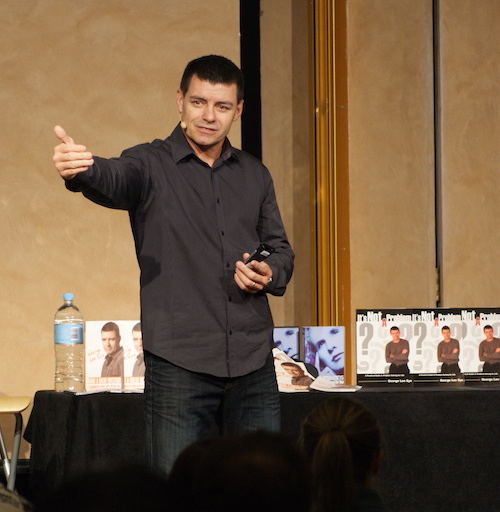
George Looks At MS Excel Differently Than Most
George Lee Sye will always tell you he is more focused on ethical influence than the technical aspects of work. That doesn’t mean he isn’t knowledgeable technically.
What it does mean is he always looks at the technical aspects from the perspective of someone who wants to quickly and positively influence the thinking of audiences.
And that clearly biases his approach to the use of MS Excel. Many of the functions he sought out to learn were intended to help him present information to audiences in such a way that the insights from the information are able to be seen without too much work; something important to an effective influencer.
You’ll see this perspective reflected in many of the functions covered in this training course.
IN-CELL VISUAL CHARTING
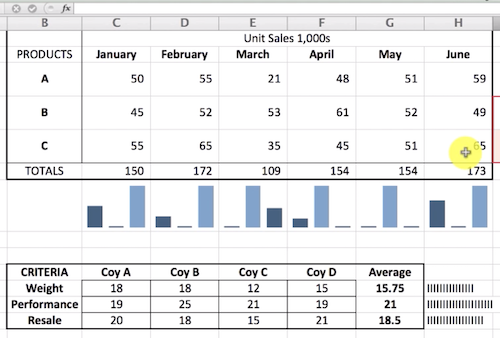
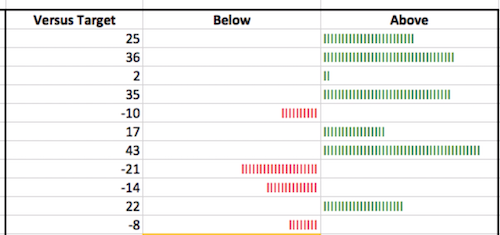
ABOVE BELOW COLOUR DASHBOARD
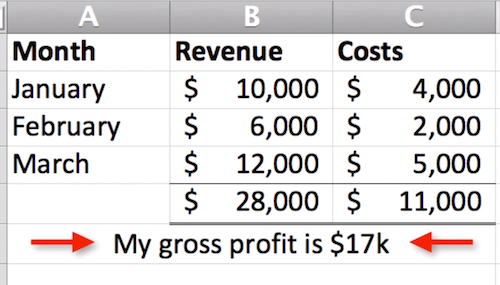
COMBINING TEXT AND FORMULA
COLOURED PERCENTILES
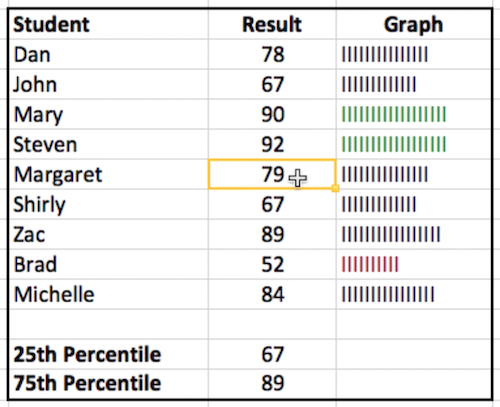
TRAFFIC LIGHTS AND DATA BARS
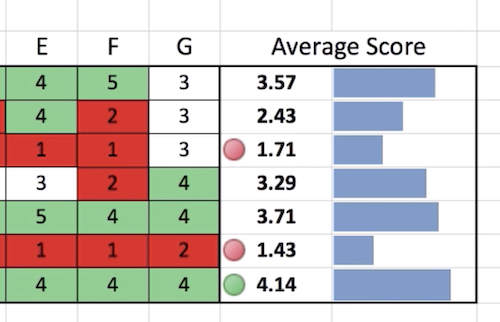
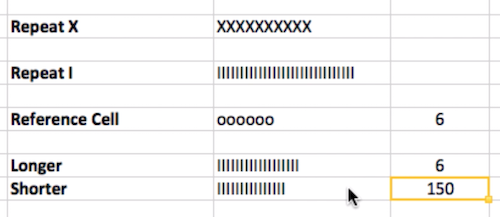
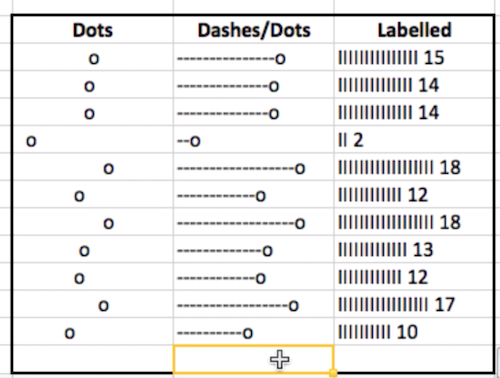
TALLYING WITH REPT FUNCTION
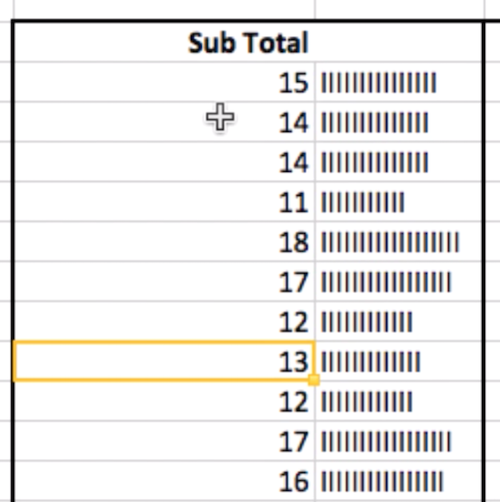
CREATING CUSTOM CHARTS
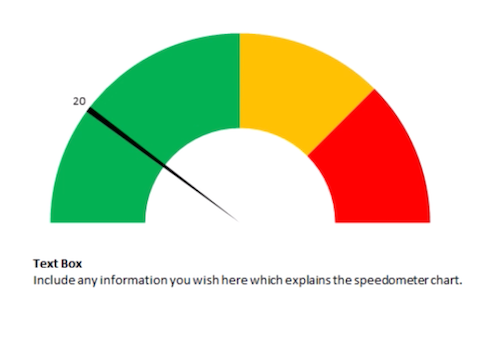
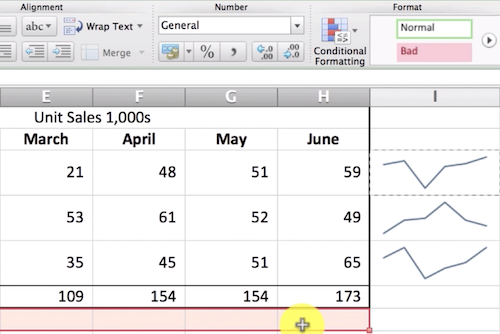
IN-CELL LINE CHARTS (SPARKLINES)
VARIOUS REPT FUNCTION OPTIONS
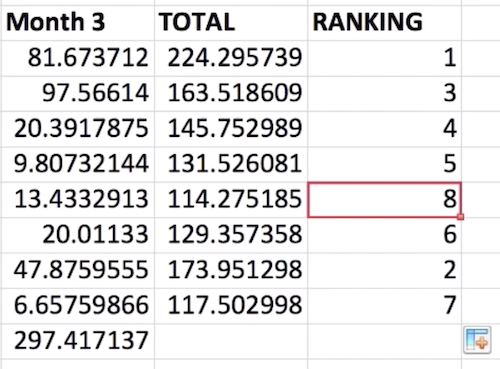
RANKING SCORES IN COLUMNS OR ROWS
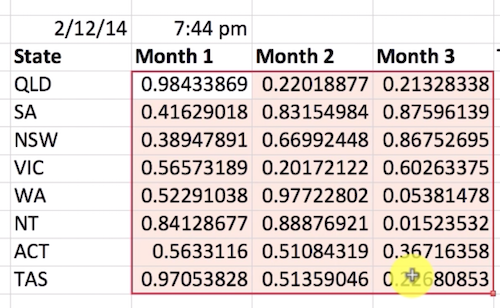
GENERATING RANDOM NUMBERS
REPT FUNCTION DISPLAY OPTIONS
READY TO GET STARTED?
© 2019-2025 by George Lee Sye (Soarent Publishing ABN: 89699416331) - All Rights Reserved | PO Box 267, Ravenshoe, Qld. Australia 4888| Contact Us: [email protected]